
Digital labeling · Prep‑Pal®
Make the label answer the question.
Give the team a clear record of what’s in the container, when it was prepared and when to use it, based on the rules set by your operation.
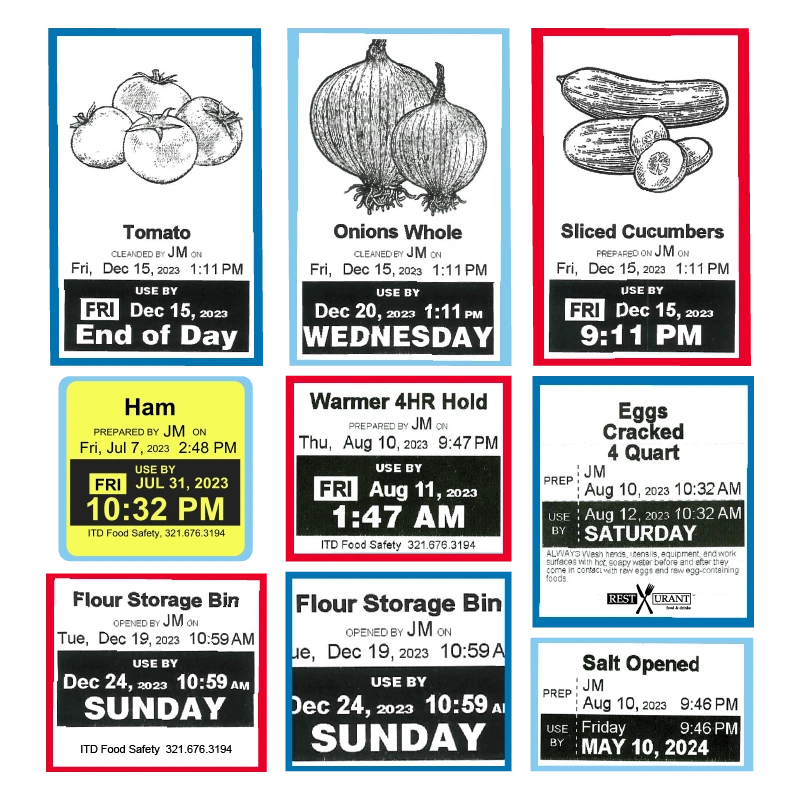 View labels full size
Digital labeling · Prep‑Pal®
Give the team a clear record of what’s in the container, when it was prepared and when to use it, based on the rules set by your operation.
View labels full sizeSet up the product list, prep and use-by fields, and the rules your team already follows. Confirm any required wording with your quality team.
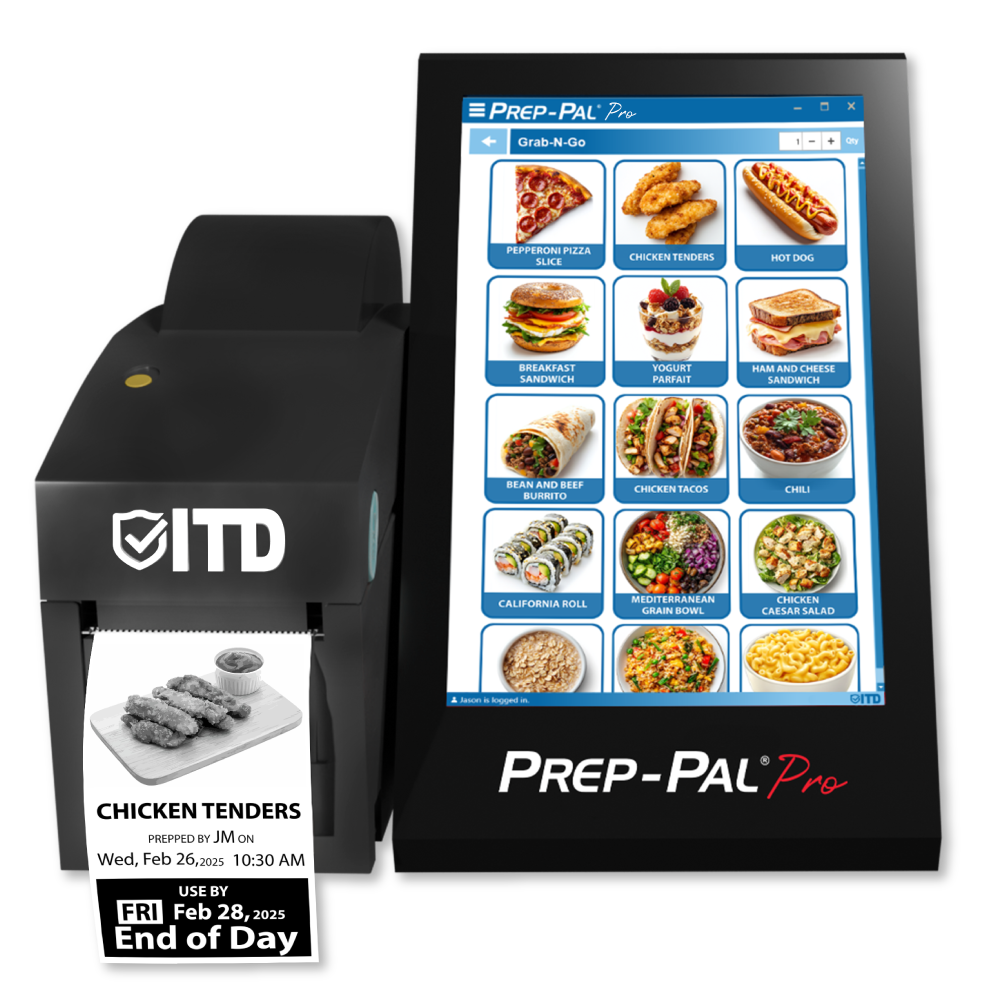
Staff can select from picture-led menus and print one label or a batch. Label formats can include internal prep, grab-and-go, or custom formats.
Prep-Alert on supported configurations notifies staff as items approach their use-by time. It helps staff locate items and follow the operation’s rotation procedure.
Bring a sample label, the surfaces it goes on, the expected number of labels per shift and the number of locations. Ask about options for centrally distributing files if you manage multiple sites.
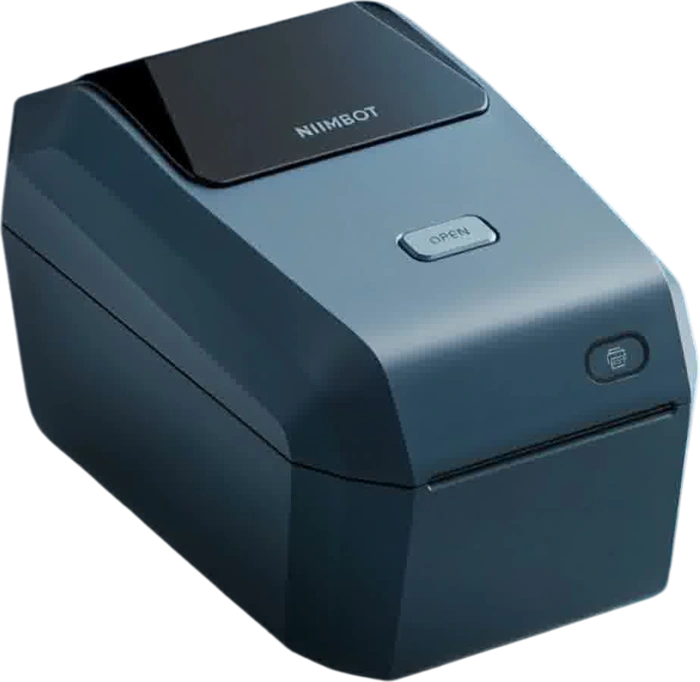
The Pro Station combines software, a thermal printer and an enclosed tablet. A kit combines software and printer; confirm the device, version and label stock with FTI before ordering.
Supported layouts can include logos or QR codes. Bring an actual label to the demo so we can check which fields and format fit your workflow.
No. Your quality team sets the applicable shelf-life and labeling rules. Prep-Pal helps apply them consistently.