
Remote monitoring · Temp‑Pal™
See what happens when no one is in the room.
Monitor coolers, freezers and fixed cold rooms remotely. When a reading crosses a configured limit, an alert helps your team decide what to check next.
See Temp‑Pal in a demo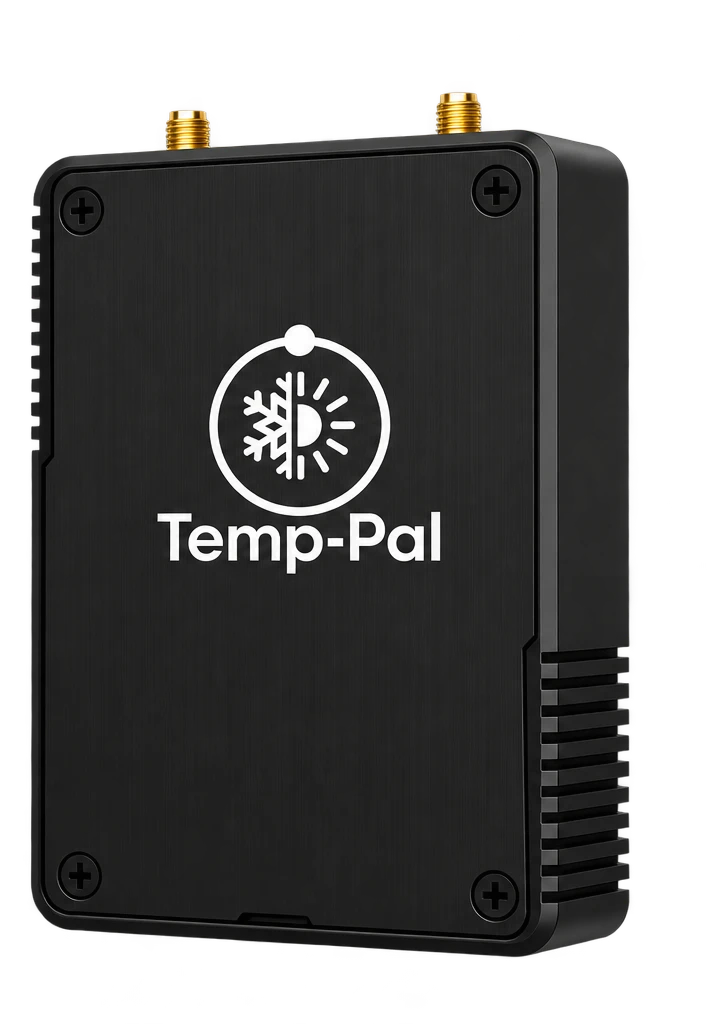
Remote monitoring · Temp‑Pal™
Monitor coolers, freezers and fixed cold rooms remotely. When a reading crosses a configured limit, an alert helps your team decide what to check next.
See Temp‑Pal in a demoIdentify the coolers, freezers or fixed cold rooms you want to monitor. Map the sensing locations and check the gateway location and connectivity before installation.
Define site-specific limits and who should receive email or SMS alerts. Agree on what the team will check and who will respond.
Wireless sensors send readings to the system for remote viewing. The temperature history can help your team review an excursion and document its response.
Tell us how many rooms you operate, where alarms should go and what happens when a reading goes out of range. We’ll use that to plan a trial with your team.
The system uses a gateway and wireless sensors. Confirm sensor count, placement, power, connectivity and cloud service details with FTI for each location.
No. It prompts your team to check and respond. Agree on a backup procedure for gaps in connectivity or power.
This workflow monitors fixed cold-storage locations. If you need a spot reading of the food itself, plan a separate probe check with Temp-Taker 8.